

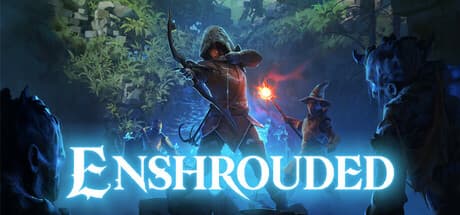
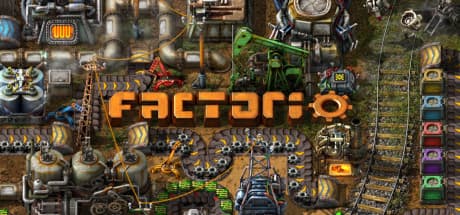


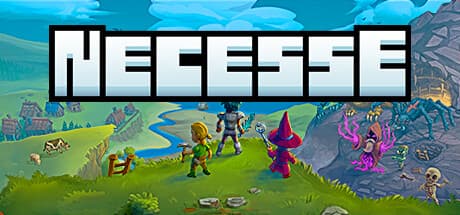
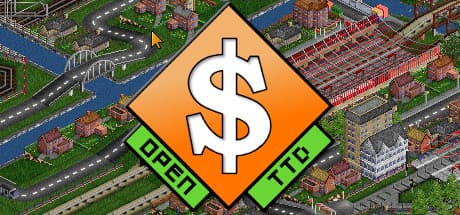

Friends can actually connect
Automatic UPnP port-forwarding with a relay fallback when your router won’t play nice. Share one link and everyone’s in.
GameNest runs 25 games in one click on your own machine — then auto-forwards your ports and spins up a relay so everyone gets in. No router settings. No “it won’t connect.” Friends, presence, and levels are free and optional.
Windows 10/11 · AGPL-3.0 · your worlds stay on your disk
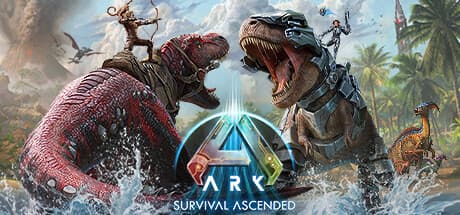
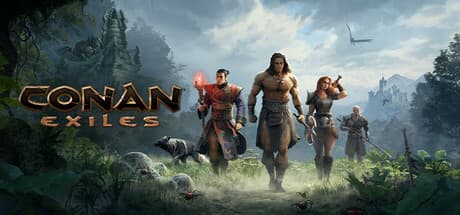
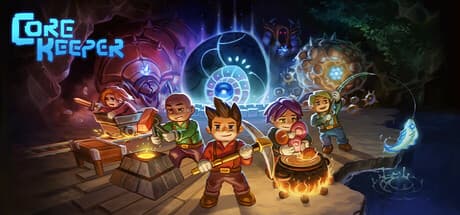
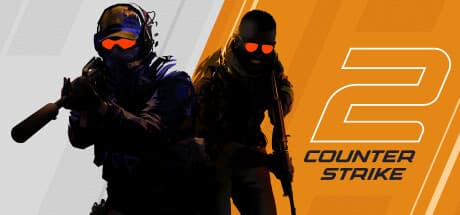
25 games · 28 server templates
Game names and cover artwork are property of their respective owners and are shown here to identify what GameNest can host. GameNest is not affiliated with, endorsed by, or sponsored by them.
The hard part
Port forwarding, NAT types, firewall rules — the stuff that makes people give up. GameNest does all of it automatically, and falls back to a relay when your router won’t cooperate.
Everything you need
Automatic UPnP port-forwarding with a relay fallback when your router won’t play nice. Share one link and everyone’s in.
Pick a game, click create. GameNest pulls the image, configures it, and installs Docker for you the first time.
Minecraft, Valheim, Rust, Palworld, Terraria, ARK and more — from curated, open templates.
Real-time console with command input, plus a built-in file manager for configs, worlds, and mods.
Manual backups for everyone; scheduled backups, restarts, and off-site copies keep your worlds safe.
One-click Modrinth mods and plugins for Minecraft, managed right from the app. More games on the way.
Add friends by username, see who’s online and what they’re hosting, and level up as you host. Signing in is optional — anonymous hosting is untouched.
Open source
Every feature is free and open source — no paywalls, no locked “Pro,” nothing held back for a tier that costs money. GameNest is a hobby project rather than a company, so there is nothing to sell you. That includes the whole social layer — friends, presence, levels, and optional sign-in.
The full app on your own PC. Open source — fork it, audit it, contribute.
Friends can always join for free. The one limit worth knowing: when your router won’t cooperate, GameNest falls back to a relay we run, and one server at a time can use it. Everything else is uncapped. The project lives on Discord and GitHub — that is where releases get announced and questions get answered.
Straight answers
Every answer below is checked against the code that ships. Where the honest answer is a limitation, it says so.
It opens the port your game server needs on your router — nothing else. GameNest asks your router for that port over UPnP when a server starts, and closes it again when you stop the server in the app. Its own control panel is bound to 127.0.0.1 and is never forwarded. Two things worth knowing up front: the port-forwarding is automatic and there is no off switch in the app yet, and a few games declare more than a game port — Rust and ARK also open an RCON admin port, Eco a web admin port — so give those a real admin password.
Yes — Docker is required, there is no mode that runs without it. On first run the setup wizard offers to install two things using Windows' own package manager: WSL2 (`wsl --install`) and Docker Desktop (`winget install -e --id Docker.DockerDesktop`). Both need an admin prompt, and WSL2 needs a reboot. The wizard shows you each command and you can run them yourself instead. After that, every game server is a container — nothing game-related gets installed into Windows itself, and removing a server removes its container.
No — Windows only today. The release pipeline builds exactly one artifact, a Windows installer, and there is no Mac or Linux download. The engine underneath is portable Go and the interface is a web app, so running it headless on Linux is possible from source, but nobody ships a build for it and the one-click Docker setup is Windows-only. If you want it on another OS, that is a build-it-yourself job right now.
The relay is a plain TCP/UDP forwarder (built on frp) running on a rented server, and it only gets used when a direct connection fails — GameNest tries UPnP first, checks whether your friends can actually reach you, and falls back automatically. On privacy, the honest answer: when the relay is in use your game traffic passes through that machine unencrypted. GameNest adds no end-to-end encryption, so whoever runs the relay is technically capable of capturing it. Nothing in the relay reads or stores game data — it logs the API calls that set a tunnel up, along with your IP — but that is a promise about what the code does, not something the design makes impossible. If a direct connection works, the relay is never touched.
It does not cost you extra home bandwidth. You upload one stream per player either way — the relay only changes where that stream goes, and adds some latency. There is no per-user data cap and no byte metering. The limits that do exist: one relay tunnel at a time, and a monthly egress ceiling on the relay server itself. If that ceiling is hit, new tunnels stop being handed out until the next cycle; sessions already running keep running.
Free. The entire app is AGPL-3.0 on GitHub — every feature, no paywalled tier, no locked "Pro." There is no paid plan, and none is being sold: GameNest is a hobby project, not a company. The source is public, so this is a claim you can check rather than one you have to take.
Closing the GameNest window does not stop your servers. The app shuts down its background engine, but the game containers keep running under Docker and players stay connected — you just lose the control panel until you reopen it. If you actually want a server down, stop it inside the app; that also closes its port on your router. Shutting the PC down stops the servers with it.
On your own machine, in Docker volumes — we never receive your worlds. But they are not a folder you can browse in Explorer, so getting a portable copy takes one setting: point Settings → off-site backup at a real folder or a NAS path, then take a backup, and the archive is written there for you to keep or move. Set the folder before you take the backup — it only copies new ones. There is no download button in the file manager yet. And note the uninstaller offers to delete the volumes, which is permanent.
Not yet, and Windows will tell you so — SmartScreen shows an "unknown publisher" warning, and Defender sometimes flags the bundled tunnel binary. A signing certificate costs money this project does not make. What you get instead: the full source is on GitHub, releases are built in the open by a public GitHub Actions workflow, and updates the app installs are signature-checked against a key that never leaves the maintainer's machine. If that is not enough, build it yourself from source — that is the point of it being open.
Free to start. Windows 10/11. GameNest sets up Docker for you — you just pick a game.
New · Social
Bring your friends.
Sign in and the app becomes social — add friends, see who’s online, and watch what everyone’s hosting. All optional; anonymous hosting is untouched.